After publishing my post about Moving Databases to Exascale 26ai, I received an interesting question: “Can I use the same technique if my source database is running a 19c Standard Edition?”
Checking the documentation, we can see this option:
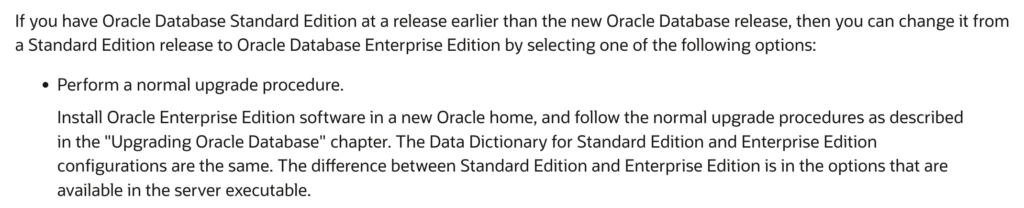
In short, this means you can use this technique to move/upgrade a 19c Standard Edition database to Oracle AI Database 26ai in any Oracle Database Cloud Service (Standard Edition, Enterprise Edition, High Performance, or Extreme Performance) — not just Exascale.
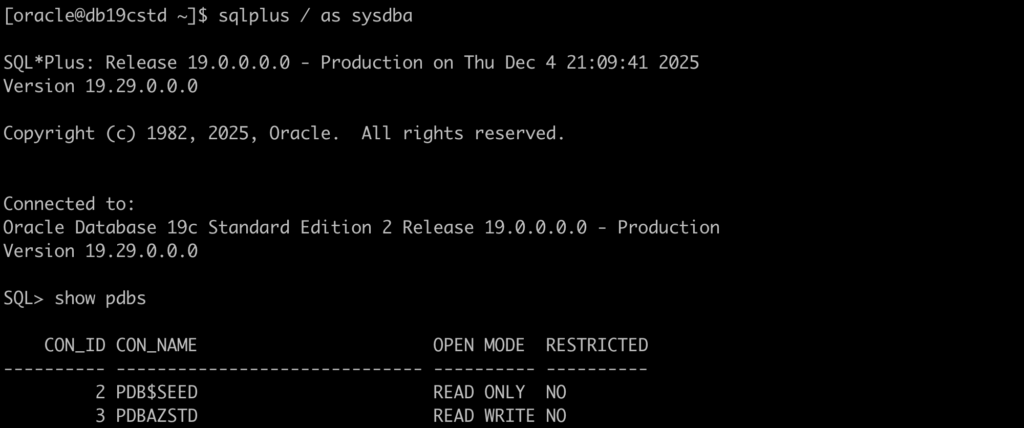
My source database is a 19c Standard Edition:
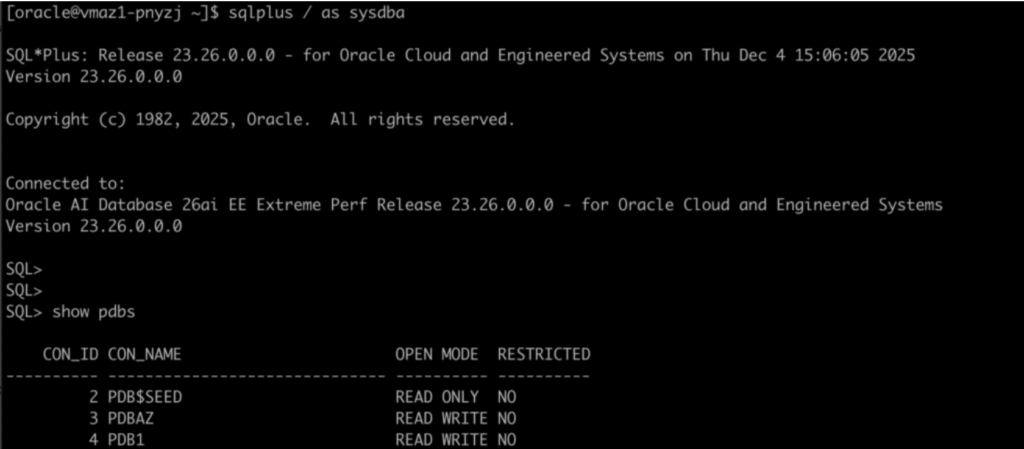
My target database is an Exascale 26ai:
My AutoUpgrade config file:
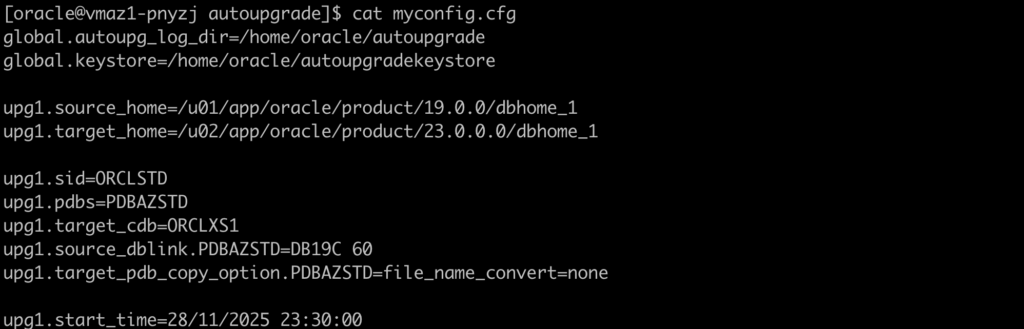
I’m using Refreshable PDB Clones for this test, but it’s not mandatory. You can use other techniques as well, such as unplug/plug.
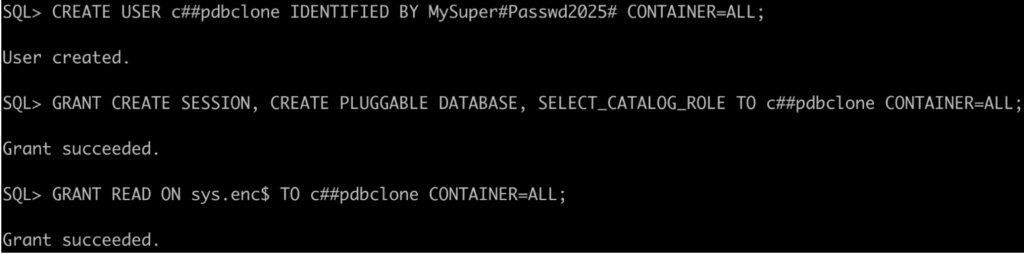
Let’s create a user on the CDB$ROOT (19c) with the right privileges:
Let’s create the database link on 26ai on the CDB$ROOT pointing to the 19c:

If you face issues with the database link (ORA-02085), please check the parameter global_names.
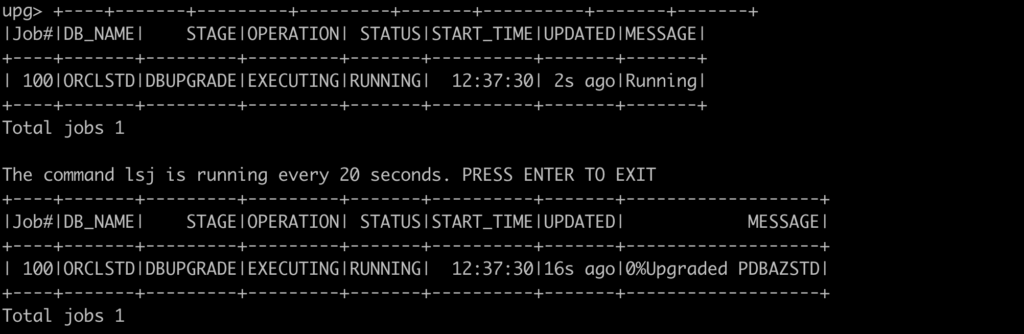
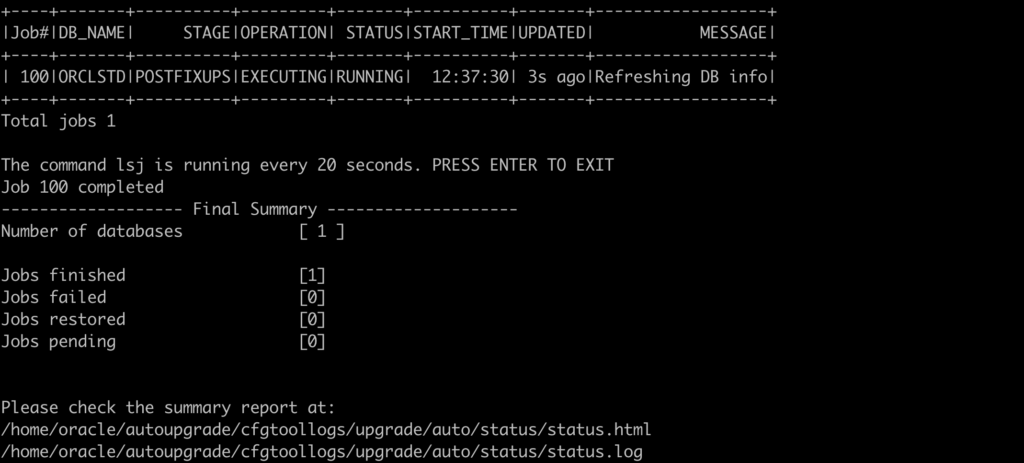
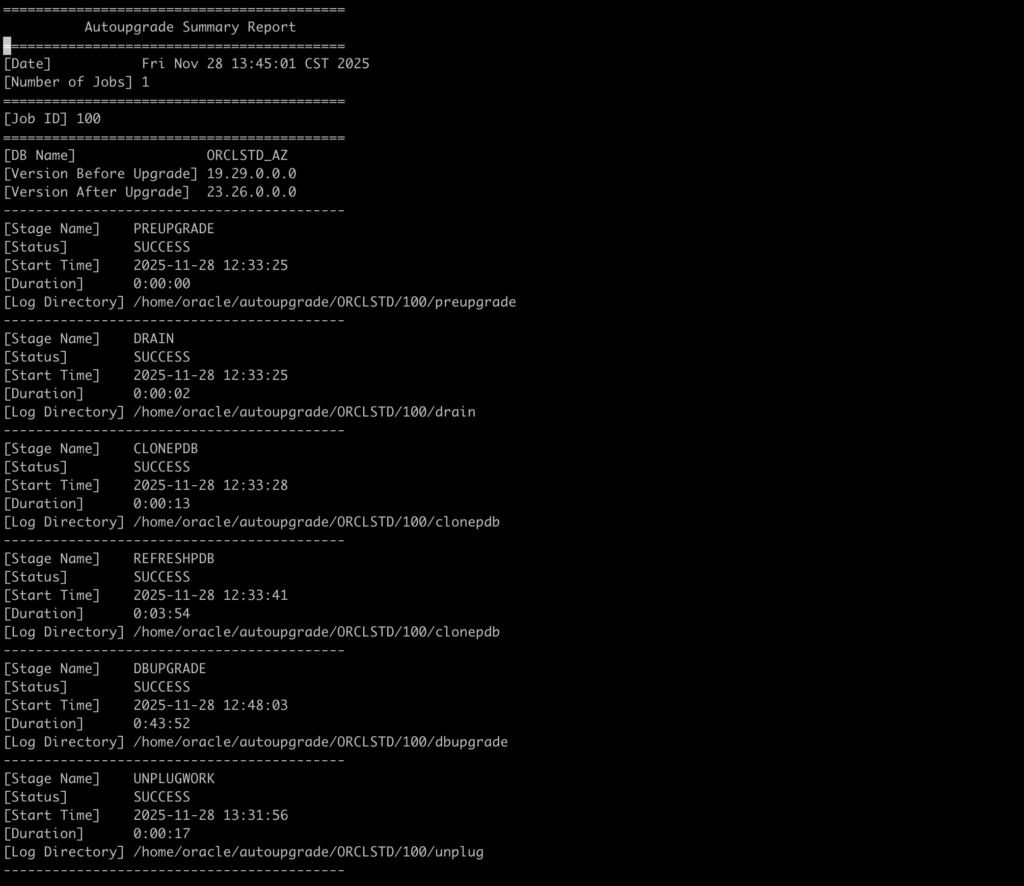
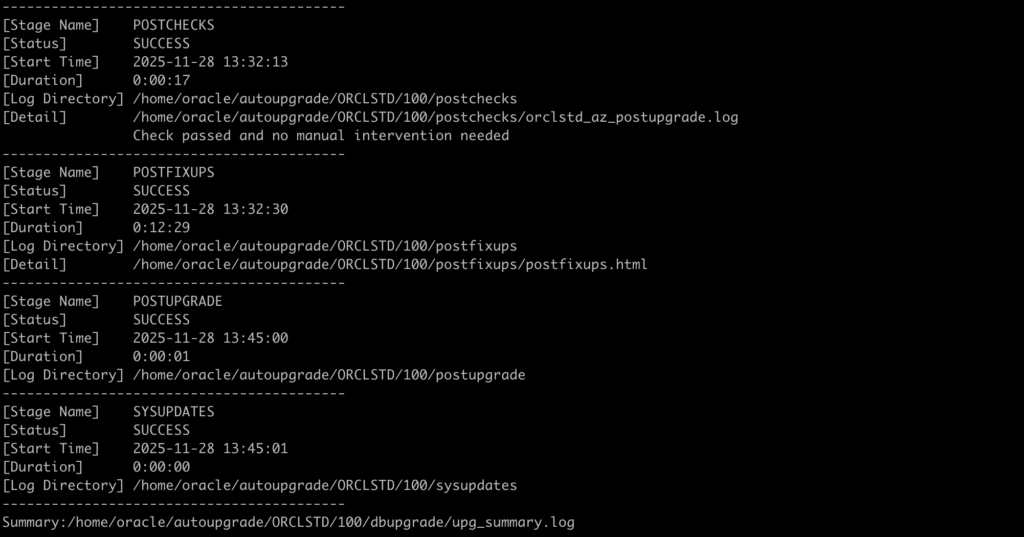
Let’s run the AutoUpgrade in the Deploy mode:

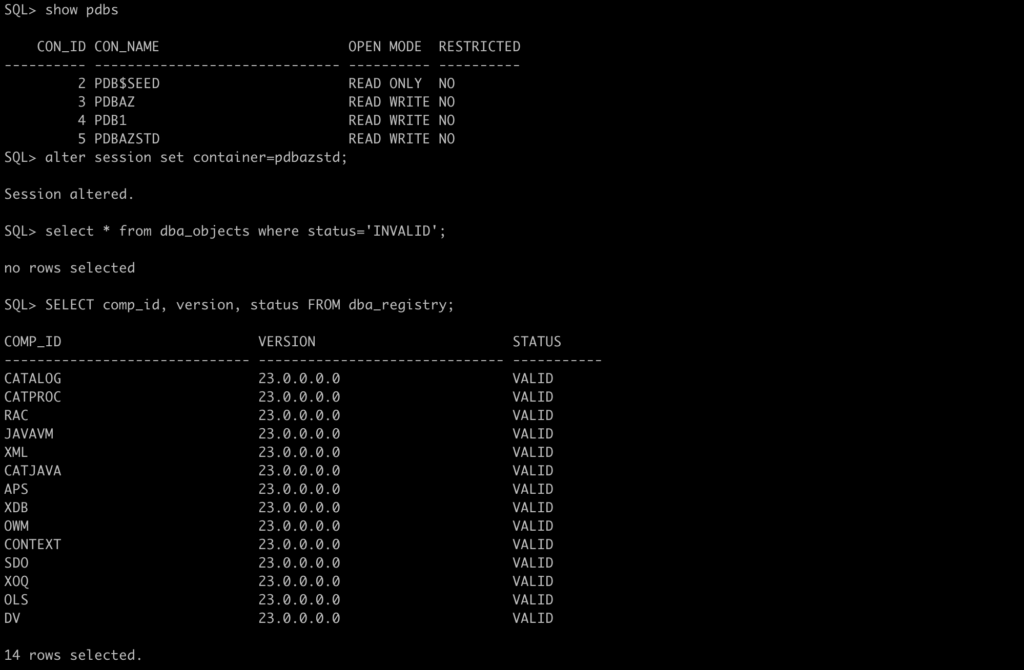
And everything worked as expected:

Hello Alex,
Just a little mistake into your post, you have allready a PDB called PDBAZSTD into your 26ai database, so it is not possible to move another PDB into this CDB with the same name 😉
I think your 2nd screenshot has been taken after your plug.
Best regards.
Pierre
Fixed!
Thank you for the heads up!