
As mentioned in my previous blog post, you can now use Transportable Tablespaces to migrate data to Oracle AI Autonomous Database Serverless.
You can refer to the documentation for all the steps here and the scripts here.
For this test, I will use a BaseDB 26ai to test and a non-incremental backup. In a real-world, critical production migration, you should use incremental backups instead:
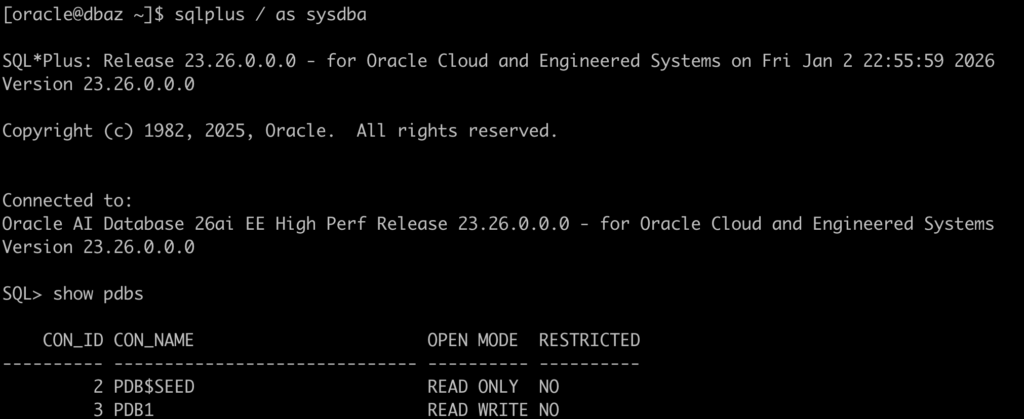
Let’s build some sample data on the PDB1 to use on the migration:
create tablespace TBS_AZ_DATA datafile size 10M;

create tablespace TBS_AZ_INDEX datafile size 10M;

create user az identified by MySupperPasswd2026## default tablespace tbs_az_data;
grant DB_DEVELOPER_ROLE to az;

ALTER USER az QUOTA UNLIMITED ON tbs_az_data;
ALTER USER az QUOTA UNLIMITED ON tbs_az_index;

create table az.tb_az(id number) tablespace tbs_az_data;
alter table az.tb_az add constraint tb_az_pk primary key(id) using index tablespace tbs_az_index;
insert into az.tb_az values(1);
commit;
To determine whether a set of tablespaces is self-contained, invoke the TRANSPORT_SET_CHECK procedure in the Oracle-supplied DBMS_TTS package. In a future release, CPAT will perform this check automatically:

Let’s create a project directory on the host where the source database is running:

Download the Oracle Database Cloud Backup Module for OCI and follow the installation steps.
Also, install the OCI CLI; it will make your life easier.
If you get this error when trying to configure the backup, install the JDK 1.8:
Oracle Database Cloud Backup Module Install Tool, build 19.3.0.0.0DBBKPCSBP_2019-10-16
Exception in thread "main" java.lang.NoClassDefFoundError: javax/xml/bind/DatatypeConverter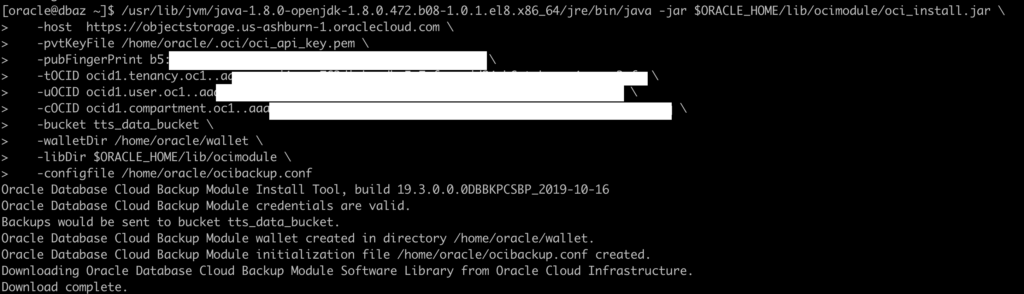
To test the configuration, you can use the DRY_RUN mode, but the documentation is wrong:

You need to add the parameter DRY_RUN to the tts-backup-env.txt file.
Let’s create our configuration file:
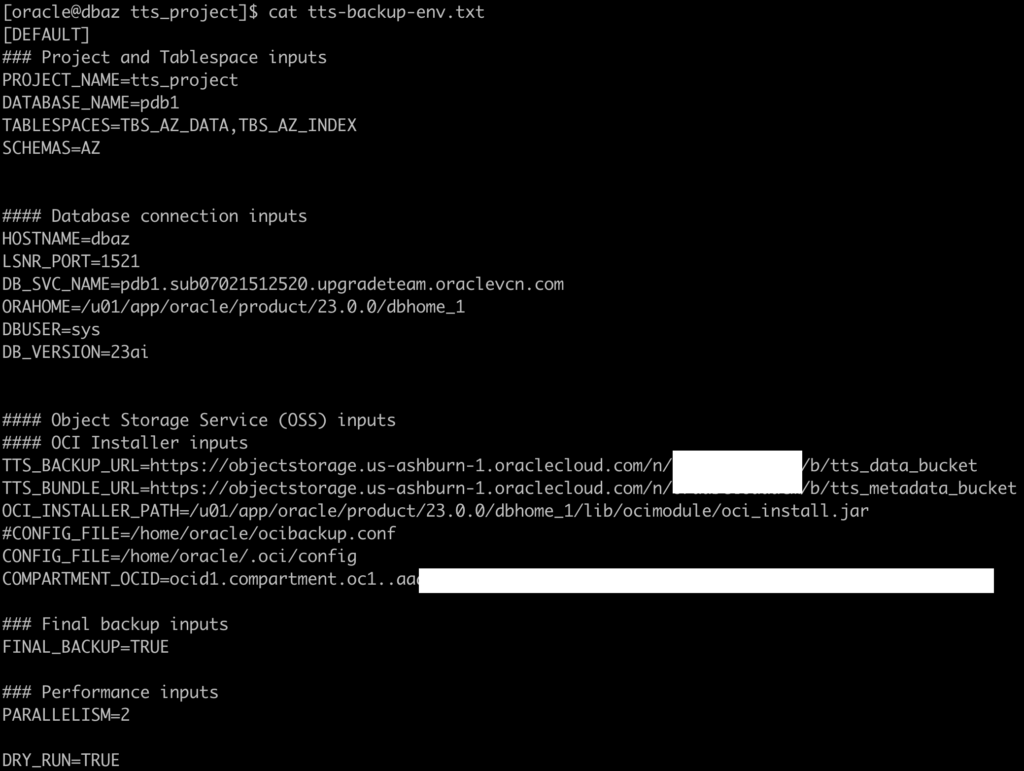
Let’s run and check if our configuration is working:

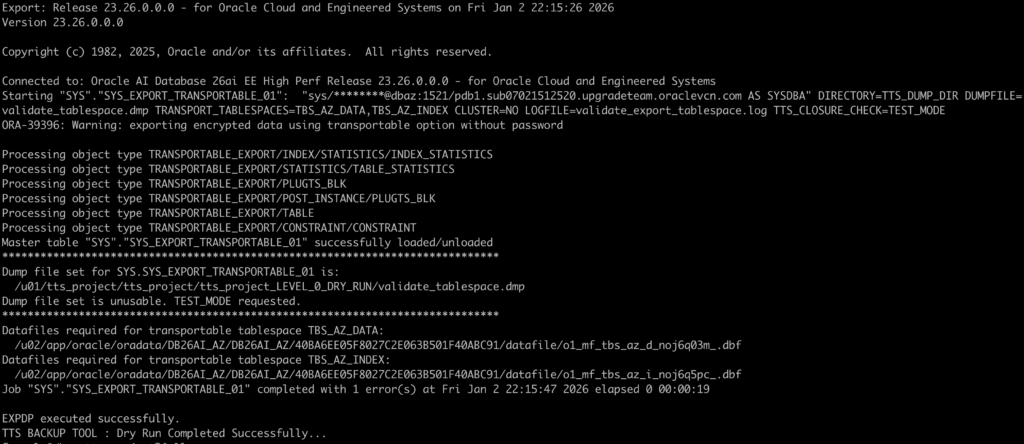
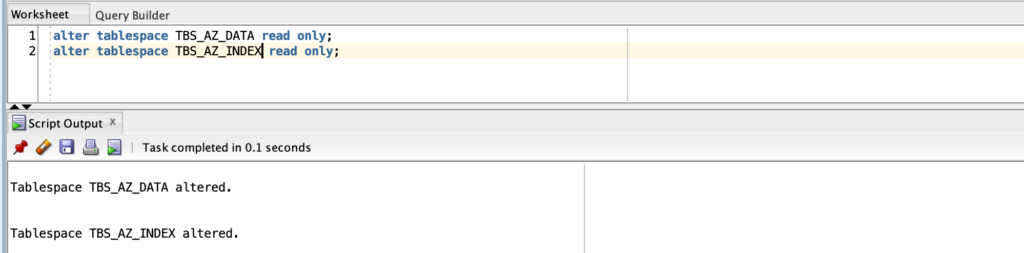
As you can see, everything worked fine. Now, let’s change the tablespaces to read-only, remove the DRY_RUN parameter from the file, and run the script again:
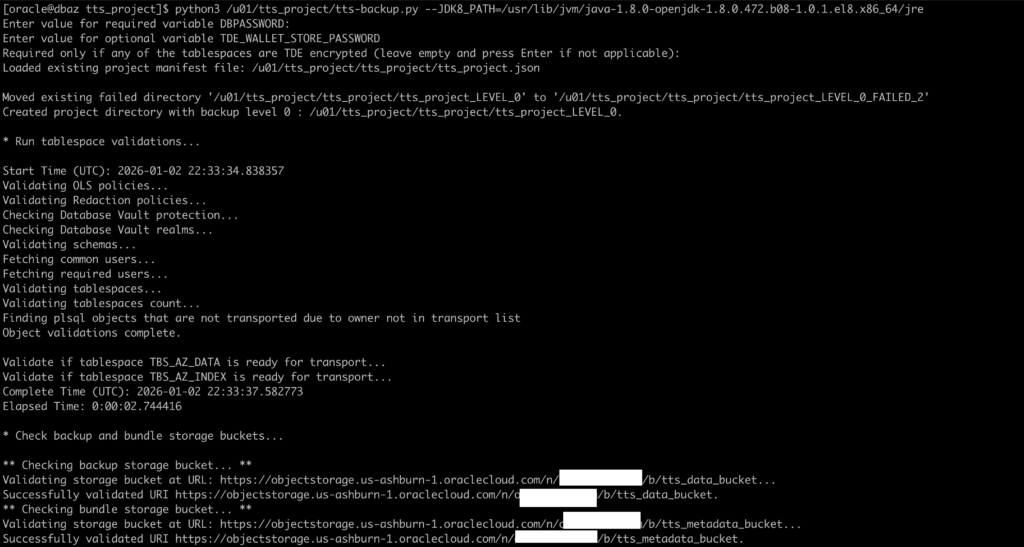
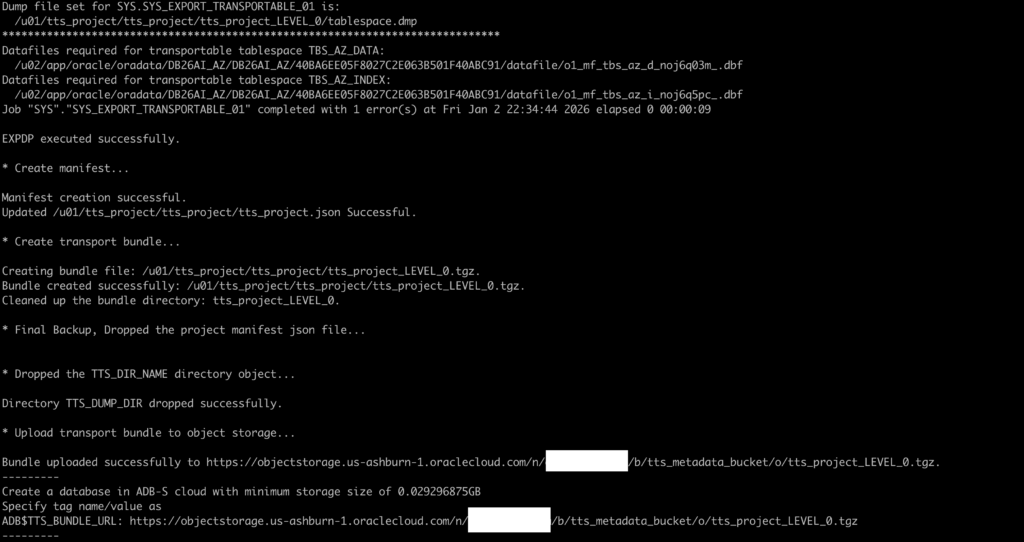
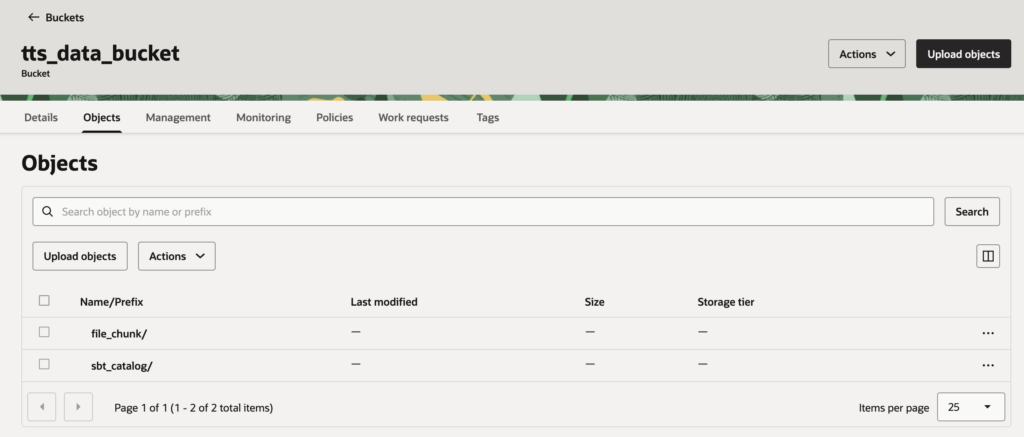
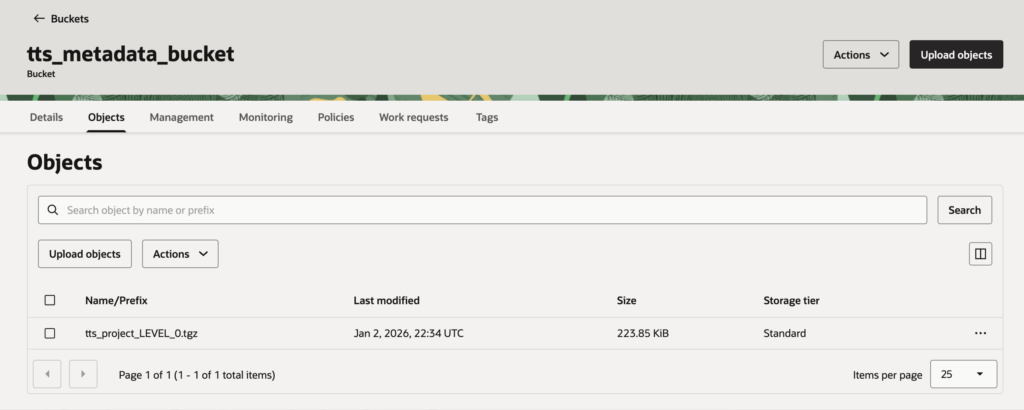
Everything worked as expected and the files were created in the buckets:
As stated in the documentation, you have to define a dynamic group and policies to access Oracle Cloud Infrastructure OCI Object Storage with a resource principal:
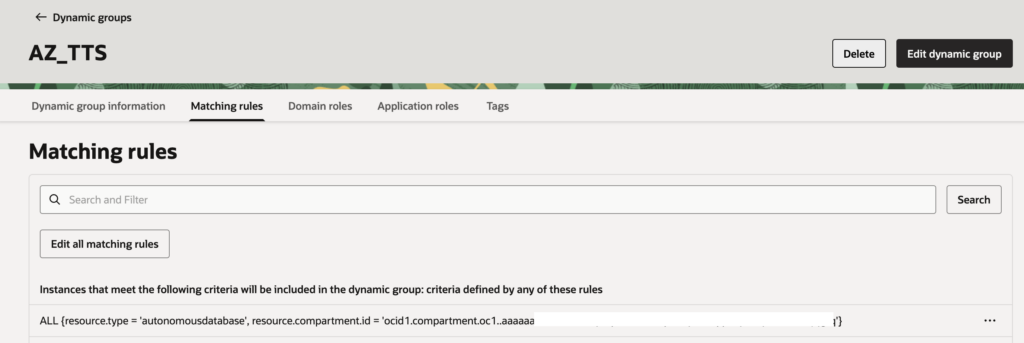
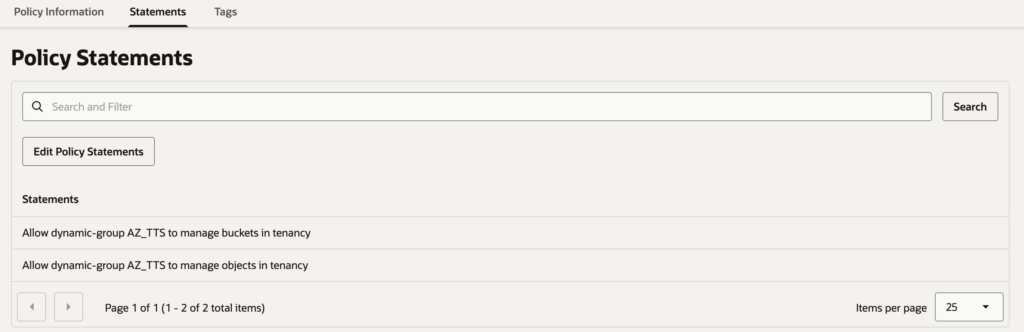
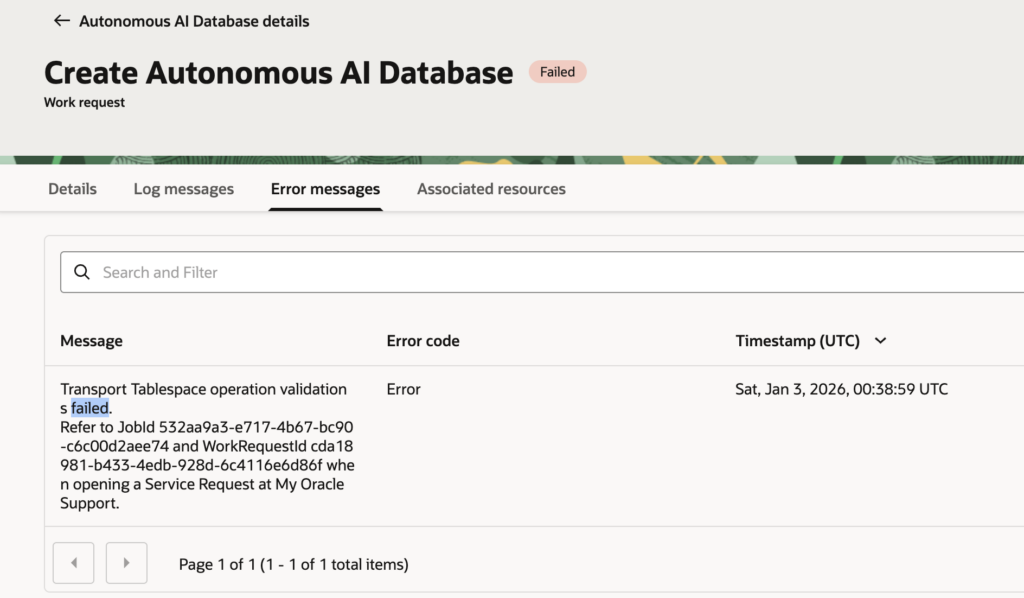
Make sure you have the right rules created, or you will get failures like this during the Autonomous AI Database creation:
Now, let’s create our Autonomous AI Database Instance.
For this test, I am using a non-incremental tablespace backup from the source database. During Oracle AI Autonomous Database creation, you must specify the URL where the backups were written:
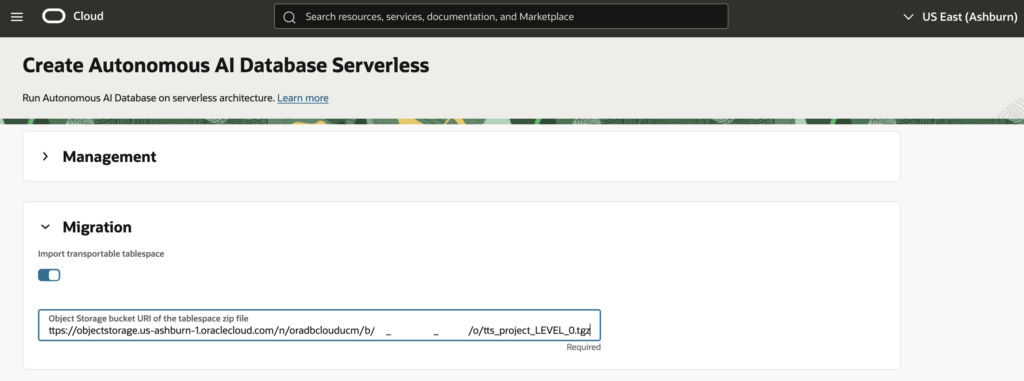
The Autonomous AI Database creation took longer than a regular creation (around 47 minutes):

Let’s check if the user was created. It exists, but is locked:

There are no new tablespaces available:

However, the table and index are present:

Let’s check the tablespaces for our table and index:


Let’s check the data:

The migration worked fine!
What I’m missing:
- A precheck mechanism to validate that the Autonomous AI Database can access the Object Storage buckets and files before the creation starts (for example, confirming that dynamic groups and IAM policies are correctly configured).
- More detailed and transparent logs during the provisioning and migration process.
- Most importantly, access to the
impdplogs after database creation, which is critical to verify whether any objects failed or were skipped during the import.
Happy Testing!