
This is especially timely as I’m seeing more customers evaluate a move from SE2 to Oracle Autonomous AI Database. CPAT can help identify compatibility considerations, assess migration readiness, and surface items to address early—before they become surprises during testing or cutover.
Spoiler alert: AutoUpgrade will soon be able to download CPAT directly from My Oracle Support (MOS), making it even easier to include this assessment in your migration workflow.
Download and run CPAT directly (from MOS – KB139585 – Former Doc ID 2758371.1) – Directly Link
Let’s try it!
I have an SE2 database running on OCI with one PDB. Don’t worry—CPAT also supports non-CDB databases.
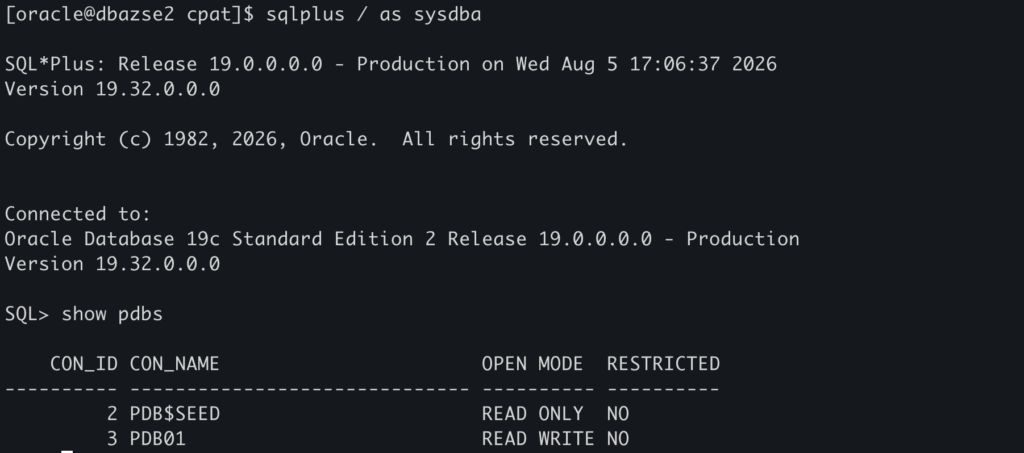
You can analyze a specific PDB, or run CPAT at the CDB level to collect information from all PDBs.
For this test, I’ll run it at the CDB level:
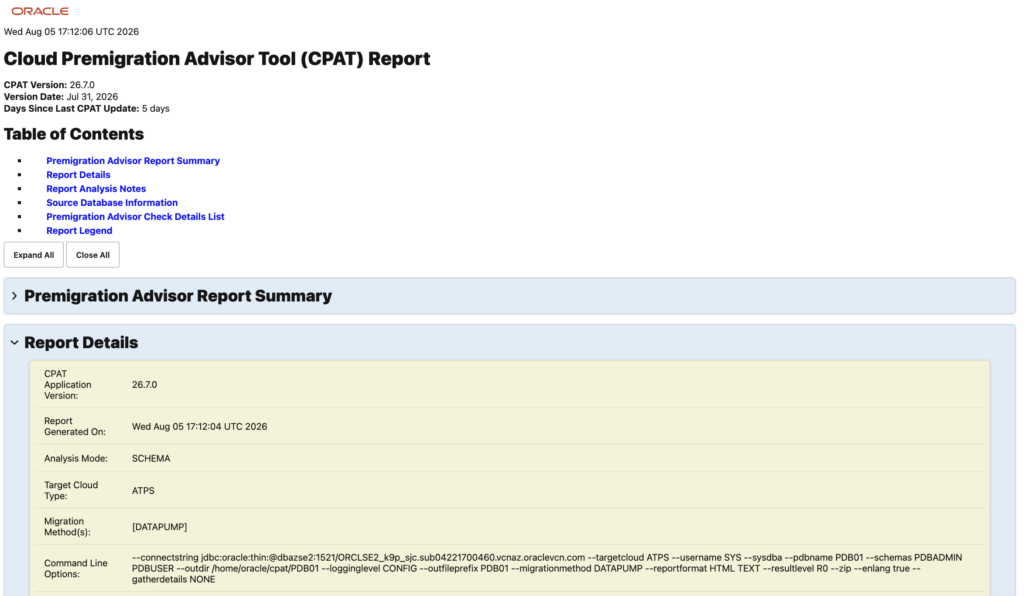
./premigration.sh --connectstring jdbc:oracle:thin:@dbazse2:1521/ORCLSE2_k9p_sjc.sub04221700460.vcnaz.oraclevcn.com --sysdba --username SYS --targetcloud ATPS --zipLet’s check the report generated:

Links to the Complete Blog Post Series about CPAT:
- FAQ
- Part 1 – Starting with CPAT
- Part 2 – Options for Running CPAT
- Part 3 – Running CPAT
- Part 4 – Troubleshooting CPAT
- Part 5 – CPAT Checks
- Part 6 – CPAT New Features – December 2024
- Part 7 – Cloud Premigration Advisor Tool (CPAT) Composer
- Part 8 – CPAT New Features – June 2025
- Part 9 – CPAT – How to Use a Parameter File
- Part 10 – CPAT New Features – September 2025
- Part 11 – CPAT New Features – December 2025
- Part 12 – CPAT New Features – January 2026
- Part 13 – Using CPAT for Non-Autonomous Migrations
- Part 14 – CPAT New Features – May 2026
- Part 15 – CPAT New Features – July 2026
- Part 16 – CPAT New Features – August 2026